
Check a Chinese Company's VAT Taxpayer Status
Find a Mainland company's general VAT taxpayer qualification through official tax queries, match the entity and dates, and keep it separate from invoice verification.
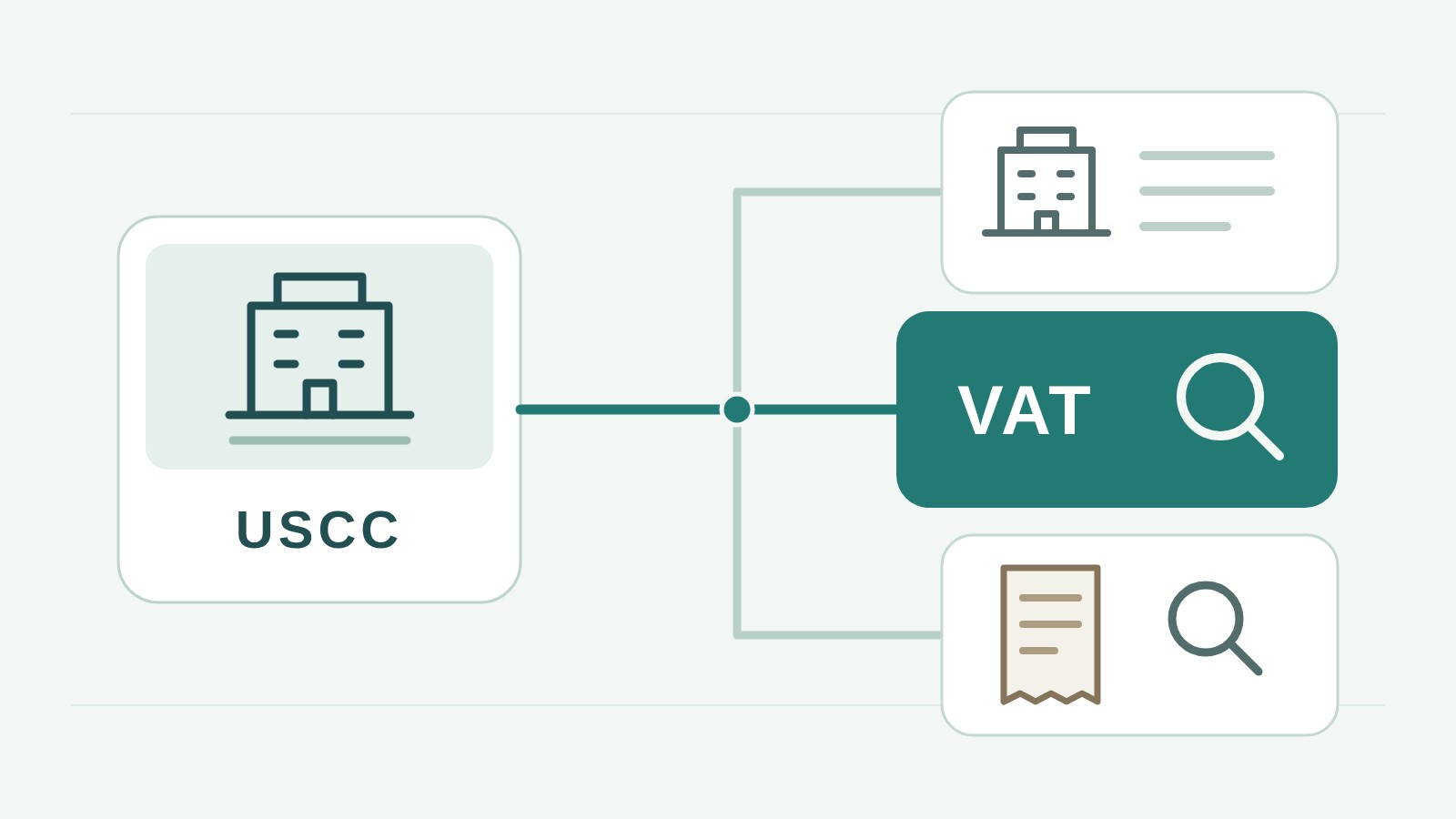
Start with the Chinese legal name or USCC. Confirm the matching company before opening its profile.
To check whether a Mainland Chinese company is a general VAT taxpayer, first establish its Chinese registered name and Unified Social Credit Code, then use the relevant tax authority's taxpayer-qualification query. Match the company in the result and read the effective date. A business licence, a tax number or a successfully verified special VAT invoice does not, by itself, answer this company-status question.
This matters when a supplier says it is a general taxpayer, or your vendor form asks for evidence of VAT status. You may already have a genuine invoice and the right company identifier. What is still missing is the tax authority's information about that company's qualification. Keep the original Chinese identity beside any translated explanation so the answer cannot drift to an affiliate or a similarly named business.
Two routes to qualification information
A buyer checking another company and an authorised employee checking their own company do not necessarily use the same screen. The Zhejiang tax authority's official electronic-tax-bureau guidance describes both routes. For another enterprise, it points to Public Services, Public Queries and General Taxpayer Qualification Query. For the enterprise's own information, it describes a logged-in taxpayer-information query containing qualification information.
Use the tax authority's official website for the supplier's location to find its electronic tax bureau or published query service. The Zhejiang menu is an example, not a promise that every region has identical labels, public access or input requirements. Follow the current instructions at the service you actually open. If the service requests a taxpayer identifier, use the code of the company whose qualification you need.
Establish that identity before searching. Copy the full Chinese name and code from a matched company record or current business licence. The China TIN reference hosted by the OECD explains that the USCC on a company's business licence also serves as its taxpayer identifier under the new identifier system. If you only have a document headed “Invoice,” identify the party you are checking: the buyer and seller can each have an identifier. The tax-number lookup guide explains how to locate the correct company's number; the qualification query is the next task, not another name for that identity lookup.
If the public route is unavailable, needs access you do not have, or returns information you cannot interpret, ask the supplier for its qualification information from its own electronic tax bureau account. Request the company name, identifier, qualification type and applicable dates together with the source. You do not need the supplier's password or unrelated tax returns. For a material unresolved discrepancy, ask the competent tax authority how the status can be confirmed.
A public-query example
The Tianjin general taxpayer qualification page illustrates what a buyer can encounter. Its form displays a taxpayer identifier, taxpayer name and CAPTCHA. Its presence does not mean you can retrieve every Chinese company's status through Tianjin. Establish that this is the relevant regional service for your company before treating it as the place to answer the qualification question.
Begin with the complete identifier if you have established it. The page also permits a partial identifier query, but a broad search can return several companies. That is useful for finding a candidate, not for deciding that the first result must be your supplier. Compare the full returned identifier and Chinese name with the company record you started from. If the result names a related company, keep it separate and search for the intended entity.
Enter the CAPTCHA shown by the website when the service requires it. This challenge is not an invoice verification code, a tax number or evidence about the company. If it fails to load or is rejected, the qualification has not yet been queried successfully. Resolve the page-access problem before describing the company as either confirmed or absent from the records.
The Tianjin query homepage states that qualification and status data are updated after the monthly filing period. A recently completed registration may therefore need a more current supporting record than this public page provides. Record the service's update notice with the result, and ask the supplier for current account information when timing is material. This update pattern belongs to this service; other tax authorities may publish different conditions.
Suppose, as a fictional example, your company search identifies the contract seller but a partial-code qualification search shows several names. None has yet been selected. The right next step is to compare the complete identifiers or return to the supplier for a clearer record. Choosing the familiar-looking name and saving “general taxpayer confirmed” would lose the identity check that makes the result useful.
For this guide, the public form and its instructions were inspected without submitting a real enterprise query. The description is an entry-point example, not a report that a supplier passed verification. When you perform your own query, preserve the returned wording and its source rather than a conclusion borrowed from this example.
The company and the effective date
Read the returned information as a record about a named taxpayer. Does the Chinese name and identifier match the contract company or invoice seller you intended to check? Does the qualification actually state general VAT taxpayer status? Do not silently accept a parent company's result for a subsidiary, or substitute an English brand for the registered entity.
Keep the effective date distinct from the date a registration procedure was completed and the date you looked up the information. The current registration announcement, effective from January 2026, sets rules for when general taxpayer status takes effect. It distinguishes taxpayers exceeding the prescribed sales standard from those registering voluntarily without exceeding it, and also contains transitional provisions. A completion date alone cannot settle the status applicable to an earlier invoice.
For a current vendor record, retain the current result and the date checked. For an older invoice, identify the date or period you need to understand and obtain information covering it. If a result gives only a registration date, record that label accurately and seek clarification before treating it as the effective date. Do not reconstruct a supplier's historical status from its current turnover claim or an unexplained screenshot.
Article 6 explains the distinction. For a taxpayer whose sales exceed the prescribed standard, general taxpayer status takes effect from the first day of the tax period in which the standard was exceeded, subject to the announcement's transitional provisions. For a taxpayer whose sales have not exceeded the standard and who registers voluntarily, it takes effect from the first day of the registration tax period. A buyer should use this to recognize why dates may differ, rather than attempt to calculate a company's status from sales figures it cannot substantiate.
A supplier might show a registration completion date in the middle of a period and a status effective date at its beginning. Those two labels can coexist without either being a typing error. Ask which date the supplier's evidence actually establishes, especially if the invoice under review was issued around the change. Leave any unconfirmed historical period open for the supplier or competent authority to clarify. The current result and the status on an earlier transaction date are related questions, but they are not automatically the same answer.
An empty result also needs context. Check the entered name or code, the region, the service's stated coverage and whether the page completed the query. A failed page or a search in the wrong jurisdiction does not establish that the company is a small-scale taxpayer. Where the official service gives a specific interpretation of a completed no-match result, preserve those conditions rather than turning it into a rule for every website.
Special invoices and taxpayer status
A supplier may send a special VAT invoice as evidence that it is a general taxpayer. Check the invoice if you need to establish its recorded details, but do not let the invoice title replace the qualification result. The State Taxation Administration's 2026 explanation of invoice and exemption rules expressly allows small-scale taxpayers, under the stated conditions, to forgo exemption or a reduction for transactions and issue special VAT invoices. Issuing this document is therefore not exclusive to general taxpayers.
The useful distinction is between what each record answers. An invoice lookup lets you compare that invoice with the information returned about it. A qualification query concerns the taxpayer's status. Neither automatically determines whether your particular purchase qualifies for a VAT credit, whether all taxes have been paid, or whether the supplier will deliver the goods. Use the VAT invoice verification guide for the document check.
Likewise, “general taxpayer” is not a tax-credit grade. A claim such as A-level taxpayer belongs to a different evaluation system, with its own year and evidence. The tax-credit-rating explanation covers that claim. A general taxpayer qualification should not become a blanket description of the company's creditworthiness.
Keep a usable supplier record
Store the matched Chinese name and code, the qualification exactly as returned, its labelled dates, the official source or supplier-provided account record, and your query date. Distinguish an independently viewed official result from material supplied by the company. If a field is missing, state what remains unconfirmed instead of filling it from a salesperson's assurance.
A useful note can be brief: “Company identity: [Chinese name and full code]. Source: [official service or supplier account record]. Qualification shown: [exact description]. Date field shown: [label and value]. Checked on: [date]. Still to confirm: [specific missing item].” These are placeholders for your own information. If the public page does not show an effective date, retain that limitation; an orderly vendor form should not make an unsupported field look verified.
For an overseas team's form headed “VAT registration number,” clarify whether the requester needs the company's identifier or proof of its taxpayer category. Copying the USCC may satisfy the identity field while leaving the qualification request unanswered. Explain the distinction to the person maintaining the form and attach the appropriate evidence. Do not invent a separate number or translate the status into another country's VAT registration scheme merely because the form uses familiar foreign terminology.
For example, a fictional buyer finds that its supplier's invoice matches the recorded invoice, but the qualification material names another group company. The invoice check can remain a documented result for that invoice; the supplier's qualification claim is still unresolved. The next request is for the contract company's qualification information, not another successful lookup of the same invoice.
ChinaValidate Company Search can help establish the Mainland company's registered identity and review available company information. Use the tax authority's qualification route for this tax-status question. If a specific invoice also needs checking, continue with ChinaValidate Invoice Verification. Keep the two results attached to the correct company without describing either as a complete supplier approval.