
JD.com Invoices and Seller Details
Find the invoice for a JD.com order, distinguish self-operated and third-party purchases, and check the company named on the fapiao.
Start with the Chinese legal name or USCC. Confirm the matching company before opening its profile.
Cover: an AI-generated shopping illustration, not a screenshot of JD.com or a real invoice.
The parcel has arrived, the order is marked complete and your finance team wants the invoice. On JD.com, the next step starts with the individual order: identify the selling business, find its invoice information and download the document for that purchase.
A JD storefront, the brand on a product, the delivery company and the company named on a fapiao can be different. That does not make the purchase suspicious. It means that each name has a role, and the invoice is one useful way to identify the business behind a transaction.
This guide follows a mainland China purchase from order details to invoice and company checks. It concerns JD.com rather than every overseas service carrying a related brand. Menu positions can change between the app, desktop site and account type; the Chinese labels below help you recognize the relevant information.
Open the actual order
Begin in the account that placed the order. Find 我的订单, meaning My Orders, and open the purchase you need. Match the item and order date before working on its invoice. A search-result page or a saved product link may show today's offer rather than the seller and conditions of an earlier order.
Keep the order reference while you check. If a basket contained products from several shops, do not assume that one invoice must cover the whole basket. Follow the individual order and its displayed invoice arrangements; ask support to explain how a split purchase is documented when necessary.
Take note of the shop or seller information shown with the order. A familiar brand in the product title identifies the marketed product, but it does not necessarily identify the company selling it. The seller information is the starting point for your transaction record.
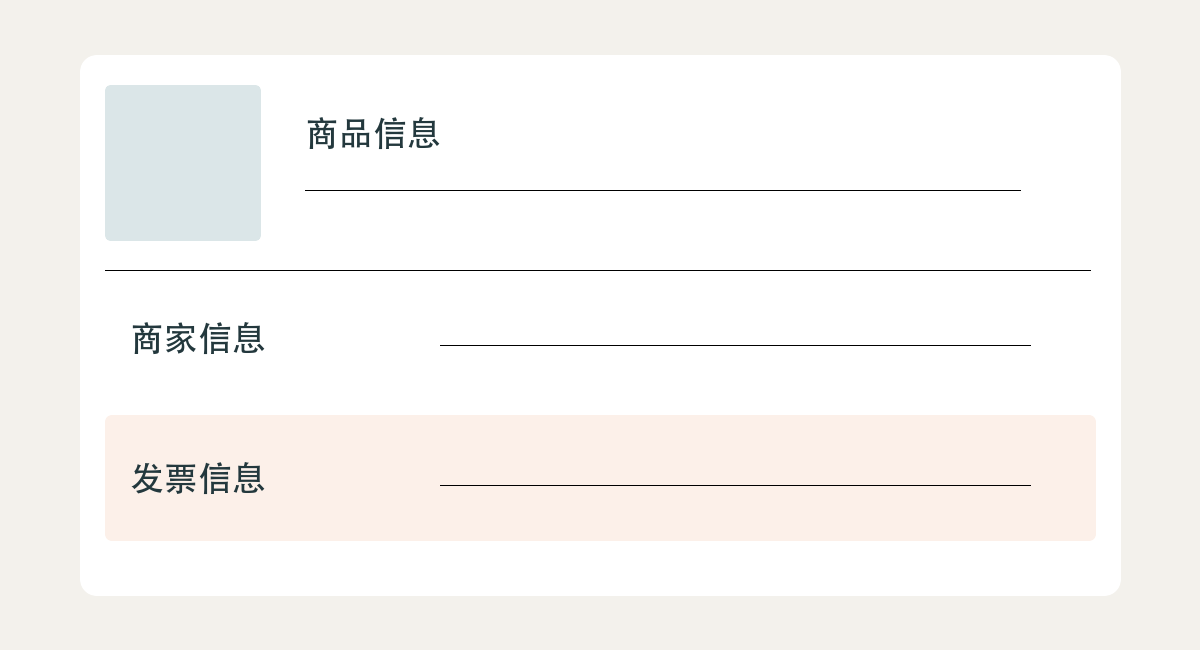
For a colleague, a concise note is often enough: order reference, purchase date, item and seller as displayed. Keep a copy of the original Chinese wording beside any translation. This makes it easier to discuss a missing invoice without accidentally asking a different shop to issue it.
Self-operated and third-party sales
The label 自营 means self-operated. 第三方商家 identifies a third-party merchant. JD's invoice help distinguishes self-operated purchases from third-party purchases, for which customers should confirm invoice arrangements with the merchant.
Use that distinction to choose whom to contact. It is not a substitute for reading the actual invoice's seller name. A large retail group can use different legal entities, and the precise invoicing company should be taken from the purchase documents rather than guessed from the platform logo.
Delivery wording answers another question. A statement about who delivers a parcel does not, by itself, identify the legal seller or invoice issuer. If your order shows a store name, a logistics provider and a separate company name, keep those roles separate until the records explain them.
| Information on the purchase | What it helps establish |
|---|---|
| Product brand and model | The goods you intended to purchase. |
| Store and seller details | The business associated with the individual offer or order. |
| Delivery information | The stated fulfillment or delivery arrangement. |
| Seller block on the fapiao | The company identified as seller on that tax invoice. |
If you need a business invoice before ordering, confirm the document type and purchaser details at that stage. Waiting until after delivery can leave your finance team asking for a document the order was not set up to provide in the expected form.
Find the invoice information
Look for 发票信息, invoice information, within the order. JD's published help describes downloading an electronic invoice through order details after it has been issued. Its enterprise invoice guide also describes invoice management and directs third-party invoice questions to the merchant.
Treat those pages as guidance to the task, not as a guarantee of today's button position or of the same options for every order. Follow the choices actually shown in your account. If the invoice is still being prepared, retain the status and use the order's support route rather than repeatedly submitting unrelated invoice requests.
A download button, an invoice application and a buyer-details form are different stages. If you are asked to complete a form, check whether you are requesting a new invoice or modifying existing information. A screenshot of the application is not the issued invoice.
Download the original file when available. Check that the attachment opens and concerns the correct purchase before forwarding it. An email notification or order screenshot can help trace the request, but it does not replace the invoice file when your finance team needs the actual document.
If no invoice option appears, contact the seller or JD support from the relevant order. Give the reference and describe the missing document. Avoid assuming that absence from one screen means the seller cannot issue anything; account permissions, order status and the actual invoicing arrangement may need clarification.
Set the correct purchaser
The invoice title, 发票抬头, identifies the purchaser. Confirm whether the purchase belongs to an individual, your mainland company or an overseas entity. The company that paid, the employee who placed the order and the recipient of the parcel can be different, so resolve the intended purchaser with finance.
For a mainland enterprise, obtain its exact registered name and appropriate tax identifier from your own company records. Do not copy the seller's USCC into the buyer field. Both sides can have similar-looking identifier labels, but they describe different businesses.
Foreign purchasers require particular care. Shanghai tax-authority guidance permits the buyer identifier to be omitted for foreign customers. That does not establish that every JD checkout form has the same overseas-customer workflow. Ask the actual issuer how it handles your purchaser rather than entering an invented Chinese code.
Where finance requests a particular invoice category, clarify the purpose before selecting it. An ordinary invoice, a special VAT invoice and an order receipt are not interchangeable labels. The invoice-category comparison explains the distinction without treating one category as proof of a more trustworthy seller.
Read the company on the invoice
On the received fapiao, locate 销售方信息, seller information. Read the company name and identifier inside that block together. The buyer block names the customer; the invoice number identifies the document. None should be copied into a supplier record without its label.

Preserve the full Chinese name and code before translating. If the invoice names a company different from the shop's public trading name, ask how the names relate. A reasonable explanation should identify the actual selling or invoicing entity and connect it to your order, not simply say that all the businesses are “partners.”
For example, imagine a fictional purchase from a shop called “River Home.” Its invoice names a registered company with a longer Chinese name. The difference alone does not establish a problem. Compare the store's disclosed business details, the order and the invoice; ask the merchant to explain any remaining gap.
Do not take a company license from a platform-wide footer as proof of the individual merchant's identity. Look for the seller's own business disclosure or request its details through the shop's established messaging channel. If the disclosed entity is outside mainland China, use the appropriate jurisdiction's records.
Run the two relevant checks
Use ChinaValidate Invoice Verification for a supported mainland VAT invoice. Supply the fields required for the document's actual type and compare the returned record with the original. A JD order number or product barcode is not an invoice verification input.
For the company check, use the seller's Chinese legal name or USCC in Company Search. Match the returned entity with the invoice and relevant seller disclosure. If you have a business-license image, Business License Verification can help read and compare the company information.
These checks answer different questions. A matching invoice record concerns the document. A company lookup concerns the registered business. Neither proves that the particular product is authentic, that its specifications are correct or that the order qualifies for your organization's expense reimbursement.
If an identifier cannot be read, request a clearer original rather than guessing a character. If the lookup identifies another company, preserve that result and return to the source documents. Selecting a similar name to make the check pass defeats the purpose of establishing the actual issuer.
The VAT invoice guide explains invoice results in more detail, while the company-registration guide covers company lookup routes. You do not need to repeat the complete procedure for both when only one part of the purchase is unclear.
Resolve a specific discrepancy
A missing file needs a delivery request. A wrong purchaser name needs the issuer's correction process. An unfamiliar seller name needs an explanation of the transaction. Keep those requests separate so the person receiving your message knows what to fix.
For order [reference], we received [document or status]. Please help resolve [specific issue]. The purchaser details supplied were [details]. Please confirm the invoice's issuing company and provide the original electronic file, or explain the applicable correction process.
When a total differs from the order, compare the relevant items, delivery charges, refunds and payment adjustments shown in the records. Ask for the calculation rather than deciding that any difference proves a false invoice. Do not alter the tax document yourself to match a spreadsheet.
Where a third-party merchant does not resolve the request, use the order's available JD support or dispute process. Save the original request and reply. The platform's current options and transaction terms govern that process; a company-information tool cannot issue a replacement invoice or decide a refund.
Save the purchase trail
Keep the order reference, exact store link, original invoice and any material seller explanation together. If you performed verification, retain its result and date. A separate working translation can help colleagues read the document while leaving the original Chinese identity intact.
For the next purchase, use what you learned before checkout: confirm the seller, purchaser and required invoice. That small amount of preparation is more useful than collecting unrelated company documents after the parcel arrives. The goal is a purchase record that connects the goods, the order and the invoicing business clearly.