
Chinese Invoice Formats: PDF, OFD and XML
Understand the PDF, OFD and XML files sent with a Chinese invoice, request the issuer's originals and keep readable copies separate from accounting evidence.
Start with the Chinese legal name or USCC. Confirm the matching company before opening its profile.
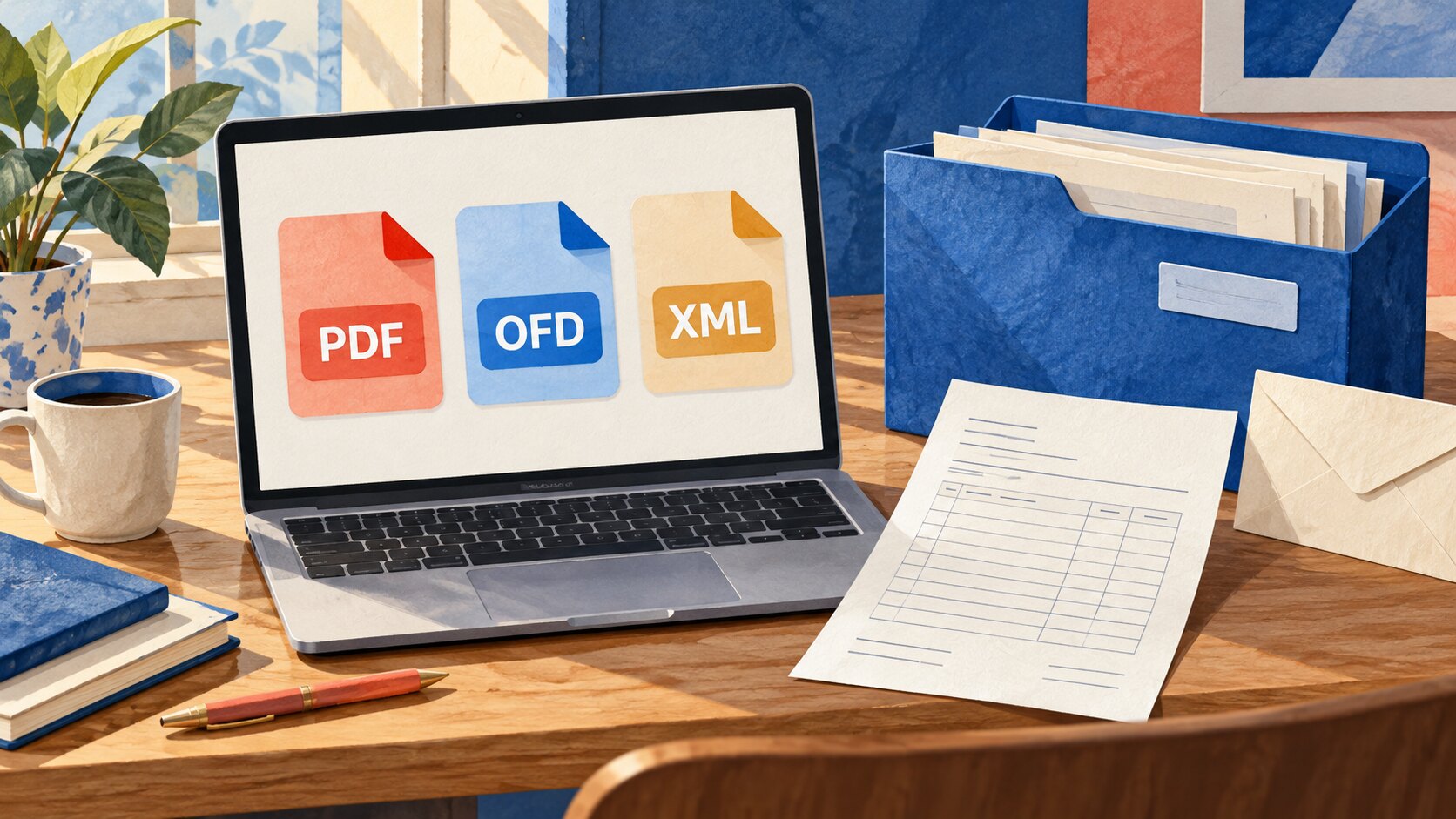
A supplier sends three attachments for one purchase: a PDF, an OFD file and an XML file. The PDF opens immediately. The OFD asks for another application. The XML looks like a page of code. None of those differences, on its own, means that you have received three invoices or that one file is counterfeit.
For an overseas buyer, the useful distinction is between reading a document, processing its data and preserving the file that was actually issued. You may need a convenient viewing copy for a purchasing colleague and an original electronic file for accounting. Those needs should not be confused.
This guide concerns Mainland Chinese tax invoices, or fapiao. It explains how to handle the attachments rather than how to choose the invoice's tax treatment. First confirm that the supplier sent a fapiao, not simply a commercial invoice saved as a PDF.
Three formats, different uses
| File | What you normally see | Useful role | Keep in mind |
|---|---|---|---|
| A readable page layout | Reviewing buyer, seller, items and totals | A PDF can be an original download, a conversion or a scan | |
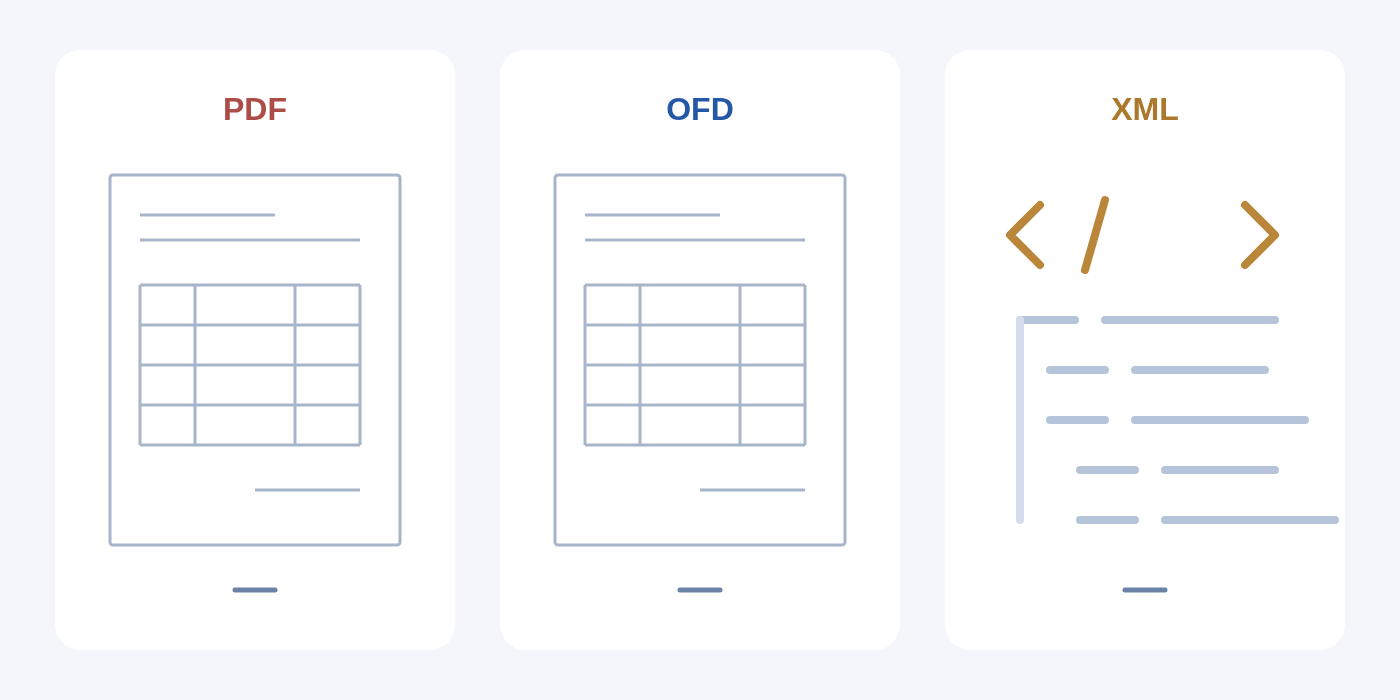
| OFD | A fixed-layout document in a compatible reader | Viewing an electronic document in its supplied format | Renaming it does not turn it into a PDF |
| XML | Structured fields and values rather than a familiar invoice page | Transferring invoice data into compatible accounting systems | Readable text is not permission to edit the original |
The file extension tells you which kind of container you have. It does not, by itself, establish the invoice's authenticity, current status or connection to your purchase. A file that opens successfully still needs the normal checks on the issuer, buyer, amount and transaction.
The distinction is practical, not a strict division between “pictures” and “data.” Some electronic documents can contain structured information alongside a page layout. China's 2025 electronic-voucher accounting data notice describes several combinations, including XML digital invoices and certain PDF or OFD vouchers carrying embedded data. The document type and receiving software matter as well as the extension.
Read the PDF without replacing the original
PDF is usually the simplest viewing copy to share with an overseas colleague. Open it in an approved PDF reader and check that the entire invoice is visible. A clipped bottom edge, missing second page or omitted attachment can conceal information even when the main total is easy to read.
Look beyond the filename. A file called “original_invoice.pdf” may be a scan or a conversion, while a download with an unhelpful numeric filename may be the actual file supplied by the issuer. Keep the incoming attachment and the message that delivered it; ask about its origin when that matters.
Being able to select Chinese text can help with copying identifiers, but it is not an authenticity test. Some files contain text, others contain page images, and extraction can misread characters. Compare anything copied into a spreadsheet with the visible invoice before using it to query a record.
If a colleague needs an English explanation, attach a separate translation or working note. Do not replace the seller's Chinese legal name, buyer details or item descriptions inside the source PDF. Keeping the original and the explanation separate makes later discrepancies easier to trace.
Open OFD in a compatible reader
OFD is a fixed-layout document format used in China. The national standards catalogue lists GB/T 33190-2016 as the current standard for electronic fixed-layout document storage and exchange at the time of this guide's research. An OFD attachment is therefore not inherently unusual just because your usual PDF application cannot open it.
Use a reader that explicitly supports OFD and is permitted by your organisation. Chinese tax-authority reader guidance points users to the national invoice-verification platform's download area. Obtain software through a known official or approved source; an unexpected invoice attachment should not dictate that you install an unknown program supplied in the same email.
If you only need to read the invoice and cannot use an OFD reader, ask the issuer for a PDF download of the same invoice. Keep the OFD you already received. This is often more useful than repeatedly converting the file through unfamiliar websites or asking the supplier for a phone photograph.
Changing “.ofd” to “.pdf” only changes the filename. It does not translate the file's structure. A real conversion creates a new file, and a visually accurate conversion does not necessarily preserve every feature of the supplied electronic document. Label that output as a viewing copy.
Use XML as invoice data
XML is a text-based way of representing structured information. The W3C's XML introduction describes its role in exchanging data. In an invoice workflow, software can read named fields and values instead of trying to recognise characters from a page image.
Seeing brackets and tags in a browser or text viewer is not a sign of damage. It often means you are looking at the data rather than a rendered invoice. A finance system needs support for the relevant invoice structure; accepting arbitrary XML files is not the same as correctly importing Chinese invoice data.
Do not open the original in a spreadsheet, change values and save it back as if it were unchanged. Spreadsheet software can reinterpret identifiers or alter formatting. If you need a working table, create a separate extraction and retain the received XML. Treat a translated field list as an aid, not a replacement electronic invoice.
For a one-off purchase review, you do not have to read every tag. Ask for a human-readable copy associated with the same invoice and compare the key identifiers. For automated processing, involve the person responsible for your accounting import so that fields, attachments and verification requirements are handled together.
Ask for the issuer's files
Shanghai's tax authority published a January 2026 guide to downloading PDF, XML and OFD digital-invoice files. It describes selecting invoice records within the electronic tax account and choosing the download type. This supports a practical request to the issuer for another available export of the same invoice; it does not mean a foreign buyer should use the supplier's tax login.
Be precise about the request. “Please send a PDF” can produce a photograph pasted into a PDF or a manually recreated document. Ask for a file downloaded from the issuing system, together with the original electronic format your finance team needs. If a format is unavailable for that invoice, ask the supplier to explain what the system provides.
Please send the original electronic file for this invoice and a readable PDF export of the same record, if available. Please keep the invoice number, issue date, buyer, seller and amounts unchanged, and include any item attachment. We need the issued files rather than a screenshot or an edited copy.
Provide your order reference and identify the invoice you mean. If several invoices were issued for staged deliveries, list them separately. Avoid requesting “all three formats” as a ritual when your team needs only an original and one readable representation; unnecessary copies can create their own filing confusion.
Match files to one invoice
Suppose a purchasing team receives a PDF on Monday and an XML file on Tuesday. That timing does not establish that a second charge was issued. Compare the invoice number, issue date, seller, buyer and amounts before deciding whether the files represent the same invoice.
Use the invoice identity as the organising reference, not the number of attachments. One record can hold the original delivery, another format of the same document, a translation and a verification result. Record which file is which so that a colleague does not submit the same purchase again after finding a different extension.
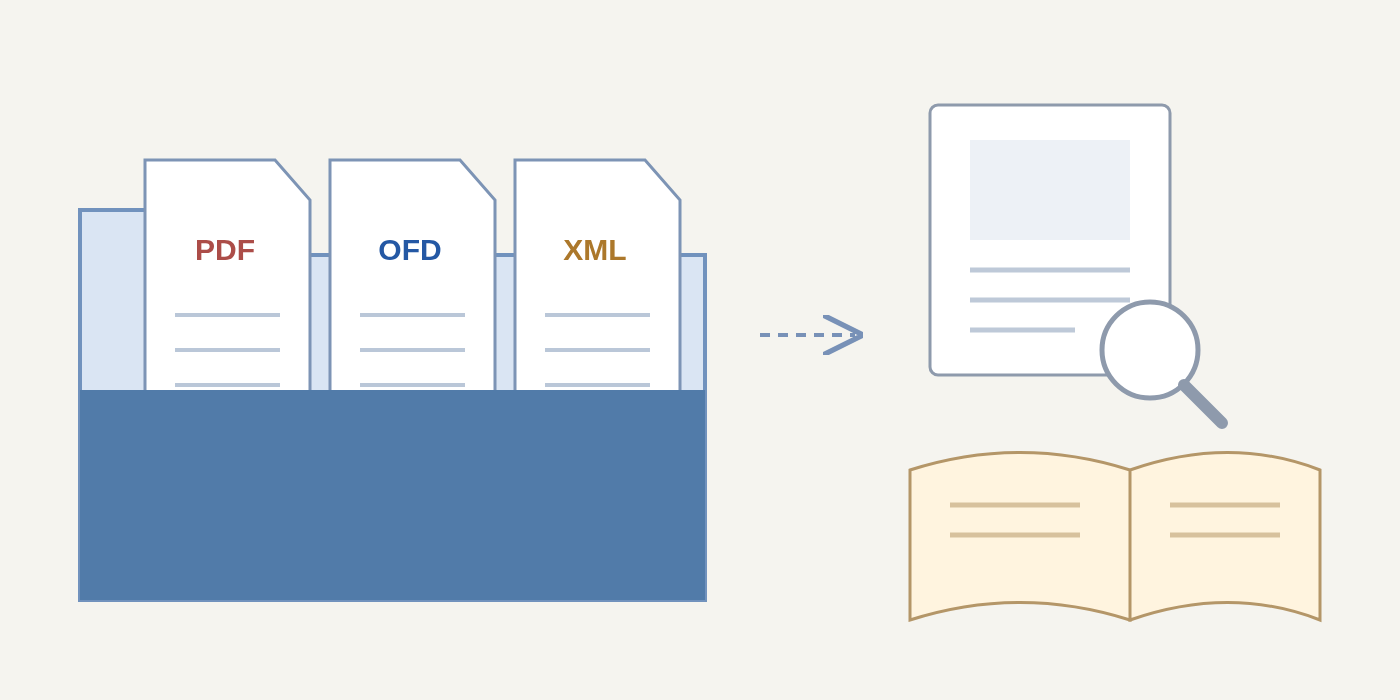
If two formats disagree, do not choose whichever amount is more convenient. Preserve both, check whether you have a correction or a different invoice, and ask the issuer to reconcile the difference. A conversion can introduce a display problem, but a format explanation should not be used to dismiss a substantive mismatch.
In an internal note, identify the received filename, source, receipt date and relevant invoice number. A short record of provenance is more useful than renaming every attachment “final.” If a replacement arrives, retain the earlier file and explain the relationship instead of silently overwriting it.
Preserve the electronic evidence
For organisations subject to China's accounting requirements, the 2020 electronic-accounting-voucher notice is especially relevant: when a paper printout is used for reimbursement, bookkeeping or archiving, the corresponding electronic voucher must also be retained. The notice sets conditions for electronic-only processing. It is not a rule that every foreign business must adopt one particular filing application.
For an overseas purchasing team, keeping the issued file alongside your readable copy preserves options for later review. Apply your own accounting, confidentiality and retention requirements. Invoice files can contain buyer identifiers and transaction details, so do not distribute them to unrelated online conversion services merely to solve a viewing problem.
Keep the supplier's delivery message when it helps establish where the file came from. Store attachments with the order or contract, and make the original distinguishable from annotations, translations and converted copies. A screenshot can support a discussion, but should not automatically replace an available original electronic file.
Separate opening from verification
Opening a file answers whether your software can display it. Reading fields answers what the document says. Checking invoice information compares those details with the applicable record. Establishing the seller's company identity is another task. None of these steps should be treated as a substitute for all the others.
For invoice checks, use the input methods shown in ChinaValidate's invoice verification tool. A readable original PDF or the required invoice fields can help you proceed; the file-format discussion above is not a promise that every format can be uploaded to every tool. The PDF invoice verification guide covers that separate workflow.
Before passing the purchase file to finance, make sure the invoice can be read, its original attachment is retained, related formats are tied to the same record, and any conflicting information has an explanation. Those four outcomes matter more than collecting as many file extensions as possible.